Throw a Seed Controls: How to Throw and Place Plants
Learn Throw a Seed controls for timed throws, pull-up training, and garden placement. Use PC shortcuts to rotate, store, and pick up plants as you play.
Jump to
What Are the Controls in Throw a Seed?
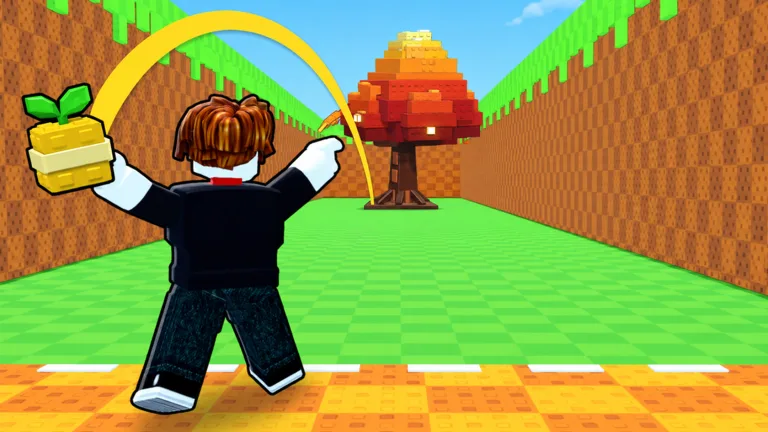
Time your launch, then use the garden shortcuts to place the plant you grow. Throw a Seed controls center on a timed tap for throwing, with PC inputs for placing, rotating, storing, and picking up plants. Learning those actions helps you move through the training, throwing, and gardening loop.
The PC garden controls are:
| Action | PC input |
|---|---|
| Place a plant | Click where you want it to go |
| Rotate a plant during placement | R |
| Store a plant during placement | Q |
| Pick up a placed plant | E when the Pick Up prompt appears |
For throwing and training, follow the interaction prompts beside the throwing lane and pull-up bar. Garden placement also includes buttons labeled Auto and Store.
Open Settings through the gear icon in the top-left corner. The menu includes options for plant visibility, cutscenes, the top bar, and gifts. To redeem a code, scroll to the bottom, enter it in the code field, and click REDEEM. Codes are case-sensitive, so paste them exactly. RELEASE grants 5,000 Cash and 1 Luck Potion, while CANDY grants 1 Training Boost and 1 Lucky Throw.
Make sure you launch the correct Roblox experience before following these controls:
- Game: Throw a Seed by Fish Time Studios.
- Place ID: 129081220403721.
You can play Throw a Seed on Roblox.
How to Time Your Seed Throw
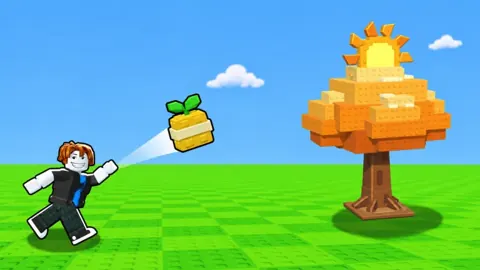
Head to the throwing lane and follow its prompt to begin. A colored vertical meter appears beside your character, and the throw uses a timed tap.
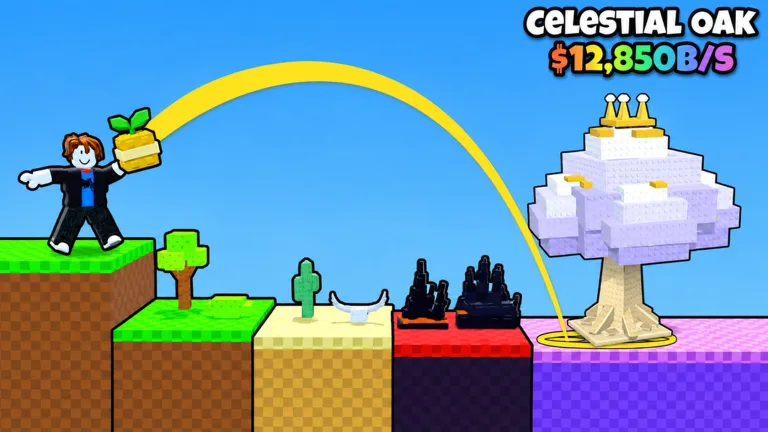 Image: Roblox / Fish Time Studios
- Watch the meter and the on-screen throwing cue.
- Tap at the right moment to launch your seed.
- Follow its flight through the canyon.
- Watch for the fully grown plant that appears when it lands.
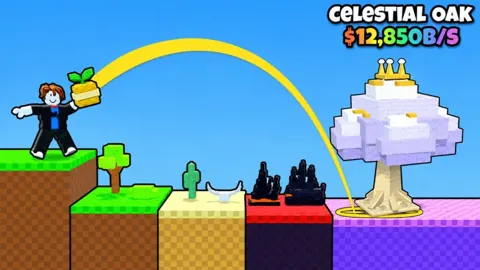
The flight display includes a zone name and a luck multiplier. Each zone your seed passes increases the throw’s luck, so reaching farther into the canyon matters beyond the distance itself. The route spans 15 zones, from Meadow to Starlight Glade.
Practice several throws with the same seed while paying attention to your strength level. That gives you a clearer basis for comparing your timing. Keep the plant result separate from your timing judgment: luck and rarity also affect what grows.
How to Start and Stop Pull-Up Training
Use the pull-up bar’s interaction prompt to train. During training, a level progress indicator tracks your advancement, and the Stop button ends the activity.
Pull-ups increase strength, helping you throw farther. Bar progression includes upgrades from Wood to Diamond; read the current bar prompt for its cost before purchasing.
Choose your next upgrade around the part of the loop you want to improve:
- Train strength to work toward longer throws.
- Buy better seeds to increase luck.
- Expand the garden when you need space for more plants.
Training and seed upgrades serve different purposes. Keep building strength when distance is your immediate goal, and compare seed luck bonuses when choosing a seed.
How to Place, Rotate, and Pick Up Plants
After growing a plant, use garden placement to put it where you want it. On PC, click a position to place it, press R to rotate it, or press Q to store it during placement.
To move a plant that is already in the garden, approach it and use E when its Pick Up prompt appears. Follow the placement controls again to choose its position and orientation.
On another device, use the garden prompts displayed on your screen; the keyboard shortcuts above apply to PC.
Placed plants generate money, including while you are offline. Put your collected plants into the garden so they can earn, and check the expansion option when your available plant space fills up.
Continue with
 Throw a Seed Roblox: Codes, Training and Garden GuideLearn Throw a Seed Roblox with six codes, pull-up training tips, seed upgrades, and garden advice to throw farther, boost luck, and earn cash offline.
More in Guide
See all GuideContinue exploring
Throw a Seed Game Passes: Prices and Boosts Explained
Compare Throw a Seed game passes, including Robux prices, luck multipliers, money boosts, and extra garden slots. Find the upgrades that fit your goals.
Throw a Seed Garden Guide: Slots, Cash, and Upgrades
Use this Throw a Seed garden guide to earn offline cash, expand plant slots, improve canyon throws, and understand money boosts before your next upgrade.
Join the community
Official channels for news, updates and player help: